Insurance
LinkedIn Lead Generation for Insurance Agents: The Complete 2026 Guide
- Author
- BlueTier Editorial Team
- Published
- Updated
- Reading time
- 7 min
How insurance agents can use LinkedIn for qualified referral conversations — including targeting, platform guidance, message frameworks, and mistakes to avoid.
Prepared and maintained by the BlueTier Editorial Team under our editorial standards. BlueTier is not affiliated with LinkedIn; review current platform terms before approving any workflow.
Why LinkedIn works so well for insurance agents
Insurance is a relationship business, and LinkedIn is the largest professional network on earth. Business owners, HR leaders, and decision-makers keep their profiles current — which means their industry, company size, and role are all searchable. For an agent selling commercial, group health, or key-person coverage, that is a targeting engine most channels cannot match.
The problem is time. Prospecting on LinkedIn properly — finding the right people, sending personalized invites, and following up for weeks — is a part-time job on its own. That is exactly the gap a done-for-you program like BlueTier fills: the outreach runs every day while you stay in front of clients.
The 3-tier framework: connections → conversations → clients
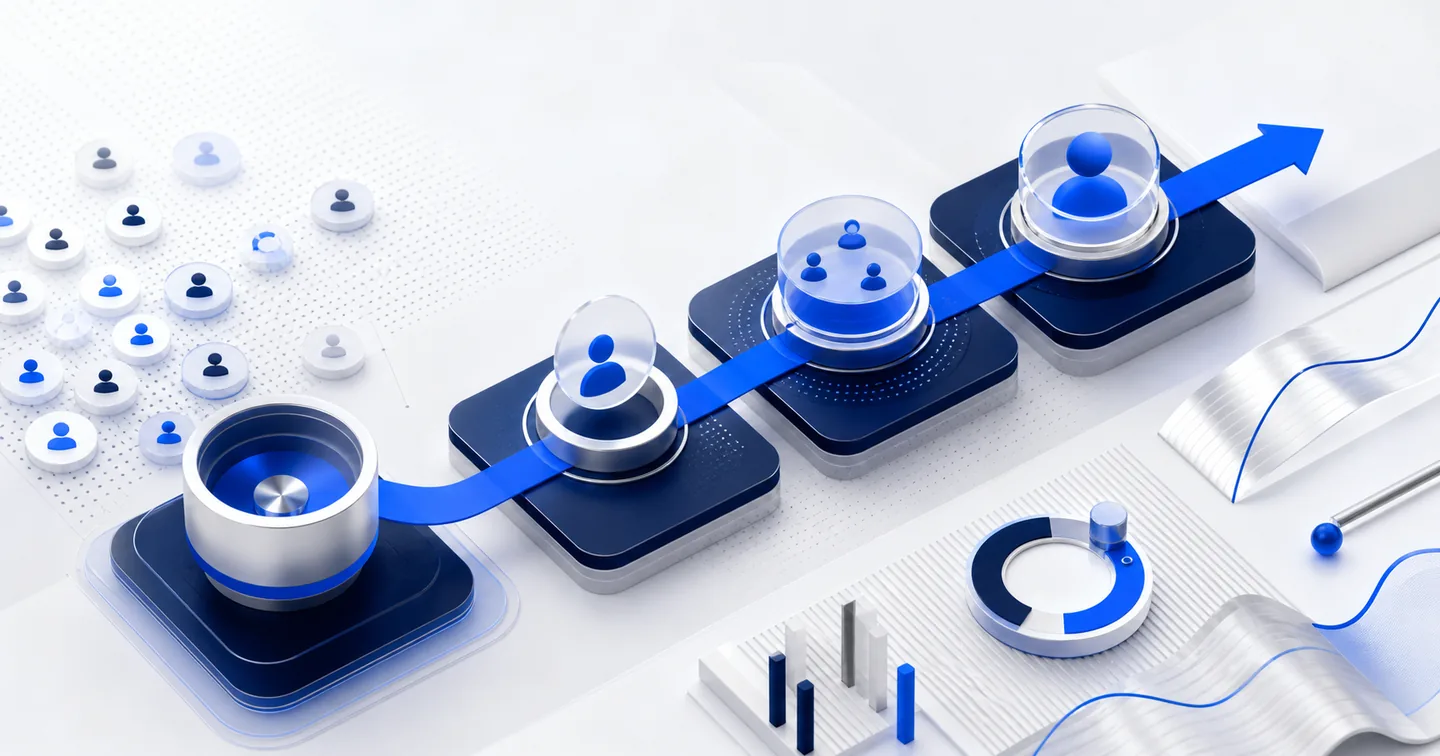
Think of LinkedIn growth in three tiers. Tier 1 is building the right network with targeted connection requests. Tier 2 is starting real conversations with helpful, non-pushy follow-ups. Tier 3 is converting warm replies into booked calls and policies. Each tier feeds the next, and consistency — not volume — is what compounds.
Tier 1 — Build a targeted network
Define your ideal client precisely: industry (for example, construction, healthcare, or professional services), company size, geography, and seniority. Send connection requests only to people who match. A tightly targeted network of 500 right-fit contacts beats 5,000 random ones every time.
Tier 2 — Start conversations that do not feel like selling
Your first message should never pitch a policy. Reference something specific — their industry, a recent milestone, or a common connection — and offer value: a benchmarking stat, a compliance reminder, or a simple question. The goal is a reply, not a sale.
Tier 3 — Convert warm replies
When someone engages, move quickly and personally. Offer a short call, a quote comparison, or a coverage review. Because the relationship started with value, these conversations convert far better than cold calls.
Follow current LinkedIn invitation guidance
LinkedIn does not publish one universal numeric quota for standard connection invitations. Its help guidance identifies rapid or excessive invitations, ignored or pending requests, spam reports, and prohibited automated activity as possible restriction triggers. Use the controls shown inside the account, keep requests relevant, and pause on any warning or restriction.
Common mistakes that kill results
- Pitching in the first message instead of earning a reply
- Sending generic, copy-paste invites with no targeting
- Ignoring a platform warning or restriction
- Giving up after one follow-up — most replies come from the 2nd–4th touch
- No system to track who replied, who is warm, and what to say next
Putting it together
A working LinkedIn engine for an insurance agency is simple in principle: precise targeting, respectful pacing, helpful messaging, and relentless consistency — all measured in one dashboard. Whether you run it yourself or have a team like BlueTier run it for you, the agents who show up on LinkedIn every day are the ones who win the referrals.
Frequently asked questions
Is LinkedIn outreach compliant for insurance agents?
It depends on the workflow, message, audience, jurisdiction, carrier rules, and platform terms. Keep messages honest, avoid collecting sensitive personal information through unsolicited outreach, involve your compliance team, and honor stop requests.
How many leads can I expect from LinkedIn?
There is no reliable universal number. Outcomes depend on audience fit, profile credibility, offer, message relevance, market conditions, and follow-up. Use qualified conversations and conversion rates from your own campaign for forecasting.
How many connection requests can I send per day?
LinkedIn does not publish one universal daily quota for standard connection invitations. Use the controls and warnings shown inside the account, and prioritize relevant professional connections.
Sources and further reading
We prioritize first-party platform and regulator guidance for factual or policy-sensitive claims.
Need an accountable operating partner?
BlueTier plans and manages approved B2B network-growth workflows with visible controls and reporting.