B2B Sales
AI SDR vs. AI-Assisted Inbox: What's the Difference?
- Author
- BlueTier Editorial Team
- Published
- Updated
- Reading time
- 8 min
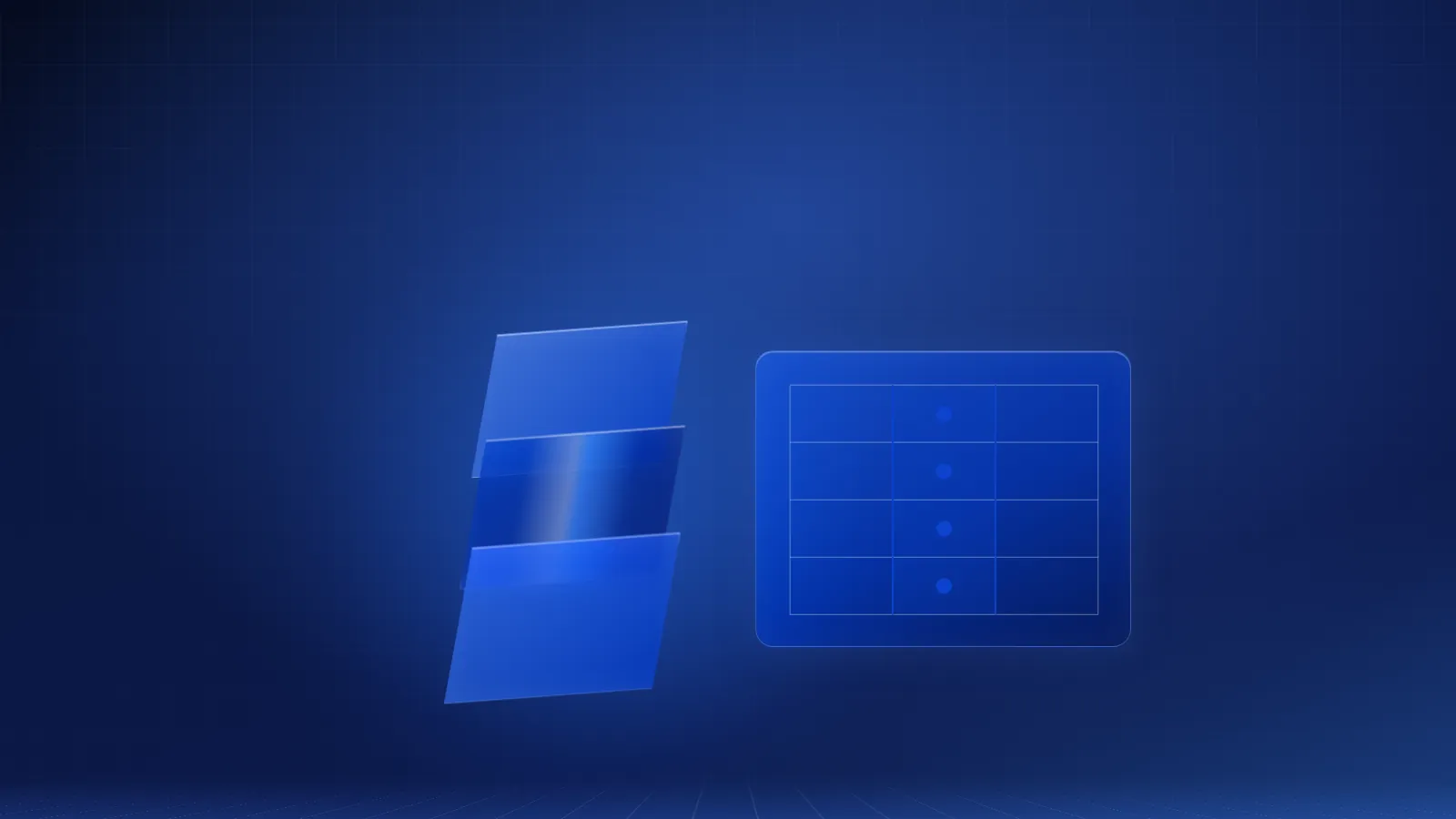
An AI SDR researches, writes and sends outbound messages on its own. An AI-assisted inbox drafts them for a person to approve. Here is how the two models actually differ, with a worked example of BlueTier's own review step.
Prepared and maintained by the BlueTier Editorial Team under our editorial standards. BlueTier is not affiliated with LinkedIn; review current platform terms before approving any workflow.
An AI SDR is software built to research, write, and send outbound messages on its own, then book the meeting — often with no person reviewing it first. An AI-assisted inbox does the opposite: it reads and sorts what arrives, drafts a reply, and waits for a person to approve it. BlueTier's inbox runs on the second model.
What is an AI SDR, exactly?
"AI SDR" describes software that takes over the sales development representative's job end to end: finding prospects, writing the first outbound message, sending it, handling the reply, and booking the meeting — largely without a person reviewing each individual send. Salesforce describes an AI SDR as automating "top-of-funnel activities, like lead qualification, outreach, and engagement," and says "the ability to complete tasks without assistance is the key differentiator" from older sales engagement software. Topo.io, which sells a copilot-style outbound tool, draws the same line from the vendor side: a full AI SDR runs on autopilot, deciding targeting, messaging and timing without a review step, while a "copilot" tool prepares the work and a person still sends it.
- Finds and researches prospects from signals like job changes, funding, or hiring
- Writes a personalized first message without a human draft to start from
- Sends that message on its own schedule
- Reads and classifies the reply, and may follow up again automatically
- Books the meeting directly onto a rep's calendar
What is an "AI-assisted inbox," then?
An AI-assisted inbox flips the order of operations. Instead of deciding who to contact and sending the first message, it starts with messages that already arrived — a LinkedIn reply, a WhatsApp question, an email — and uses AI to make sense of them faster than a person could alone: sorting what matters from what doesn't, and drafting a response a person still has to approve.
Not every tool that calls itself a unified inbox does the same job, either — that's worth separating from an omnichannel helpdesk before you buy either one.
Where BlueTier sits
BlueTier is explicit about which side of that line it is on. Every inbound message is automatically sorted into Lead, Hustler (someone selling to you), or Noise, with an intent, urgency, and sentiment tag attached — so a person doesn't have to read through noise to find the one real lead. On Plus and Premium, the AI then drafts a reply grounded in your own saved knowledge base: your pricing, your offerings, your scripts. By default it does not send that reply; a person reviews it first. (An optional, limited auto-reply exists in Beta; it is off by default and enabled only at a member's direction.) The same pattern holds on the outbound side: BlueTier's campaign assistant drafts and edits LinkedIn campaigns and sequences, but a human approves the campaign before it goes live — the assistant does not launch anything on its own. Once a campaign is approved, BlueTier sends its invitations and follow-up messages automatically, paced to the account: the approval covers the audience, the messages and the sequence, not each individual send.
Why the two terms get blurred in marketing
Part of the confusion is marketing. "AI SDR" is a category worth claiming in 2026, so some tools that draft-and-wait get marketed with the same language as tools that research-and-send. The distinction is not a technicality. Topo.io describes the risk of the autonomous model plainly: when it drifts — "wrong persona, hallucinated claim, tone-deaf message" — "the damage is invisible until reply rates crater." A review step exists specifically to catch that kind of error before it leaves the building, not after.
How to tell which one a vendor is actually selling you
Marketing copy rarely uses the words "autonomous" or "assisted" directly, so the tell is usually in the verb a vendor chooses. A few phrases, and what they tend to mean in practice:
- "Sends on autopilot" or "runs your outbound for you" — autonomous. The system is sending without a per-message review.
- "Drafts for your review" or "you approve before it sends" — assisted. A person is still the last step before a prospect sees anything.
- "Human-in-the-loop" — usually assisted, though it's worth confirming the loop covers every send, not just the first message in a longer sequence.
- "Fully autonomous outbound" — exactly what it says. Ask what happens when it's wrong, not just how often it's right.
- "AI-powered" on its own — means very little by itself. Every tool in this comparison is AI-powered; the real question is always what the AI is allowed to do without a person checking first.
Some platforms make this an explicit setting rather than a fixed identity. HubSpot's own Prospecting Agent page says teams can "review and edit AI-drafted emails before they are sent," and then, once comfortable with the output, "switch to fully autonomous mode, which sends emails without requiring review first." That's the distinction this article is making, offered as a toggle inside one tool rather than a choice between two separate ones: assisted by default, autonomous by choice.
AI SDR vs. AI-assisted inbox, side by side
| Question | Autonomous AI SDR | AI-assisted inbox |
|---|---|---|
| Who writes the first outbound message? | The AI, from its own research | A person, often with an AI-drafted starting point |
| Who approves a message before it sends? | Nobody, by design — that's what "autonomous" means | A person, every time |
| What happens when a reply arrives? | The AI classifies it and may reply again on its own | The AI triages it (Lead / Hustler / Noise) and drafts a reply for review |
| Where does a mistake get caught? | After the prospect already has the message | Before the message leaves, at the review step |
| What is the human's job? | Set parameters, review results after the fact | Approve, edit, or reject each draft before it goes out |
| What does BlueTier do? | Not this — BlueTier does not research and contact prospects without a person approving the campaign first | Inbox: this — triage and drafting are automatic, and a person sends replies by default. Outbound: a person approves each campaign, then BlueTier paces the approved sends automatically |
A worked example: one reply, start to finish
Here is what actually happens inside BlueTier when a prospect replies on LinkedIn — the AI-assisted model in practice, not in theory:
- The reply lands in the unified inbox, and AI triage reads it shortly after it arrives.
- It's classified Lead, Hustler, or Noise, with an intent, urgency, and sentiment tag attached.
- If it's a Lead that needs an answer, a follow-up task is created and linked to that conversation.
- On Plus and Premium, the AI drafts a reply, grounded in the knowledge base facts your team saved — not a generic template.
- A person reads the draft, edits anything that needs a human touch, and sends it.
- By default, nothing in this reply reaches the prospect before a person has seen it.
The outbound side follows the same shape, one step earlier. A campaign assistant can draft and edit a LinkedIn campaign or sequence — audience, message variants, pacing — but it stops short of one thing: launching it. A person reviews the campaign and approves it before BlueTier sends a single invitation. After that approval, the invitations and follow-ups go out automatically, inside the campaign's pacing limits.
Which one does your team actually need?
The honest answer depends on how much review your team is willing to trade for speed:
- High-volume, low-stakes outbound with a generic offer: an autonomous AI SDR's speed may be worth the lighter review.
- Relationship-driven B2B selling — insurance, financial services, agency outreach — where one careless message can cost a referral relationship: the review step an AI-assisted inbox keeps is doing real work, not adding friction.
- A small team drowning in inbound replies across channels, more than short on outbound volume: the problem is triage, which is exactly what an AI-assisted inbox is built for.
- A team that wants to own every word reaching a prospect, without spending the hours it takes to read and sort to get there: that's the AI-assisted model's actual pitch.
Can an AI SDR replace a human closer?
Not on the descriptions vendors themselves publish. Salesforce, which sells AI SDR agents, describes them as qualifying leads and scheduling meetings "for human sales reps," so that sales teams can "focus on more creative problem-solving tasks." Pricing negotiation, reading hesitation in a reply, and knowing when to bend on terms are not tasks either model claims to automate away.
The practical dividing line in 2026 is not whether AI touches a deal — it touches nearly every deal somewhere now — but how much of the send-and-reply loop happens before a person sees it. An autonomous AI SDR compresses that loop to almost nothing. An AI-assisted inbox keeps a person in it on purpose.
Questions to ask before you buy either one
- Does the system send without a review step, or only draft for one?
- What happens to a reply while no one is watching — does it trigger another automatic message?
- What stops a bad draft from reaching a prospect, specifically?
- Is pricing based on seats, sends, or something else — and what happens if volume spikes?
- Can you see what the AI did for every contact, after the fact, not just in aggregate?
The bottom line
"AI SDR" and "AI-assisted inbox" both put AI to work in sales development, but they disagree about who sends the message. Whether that first message travels by LinkedIn or cold email, the same question applies: did a person see it before it reached a prospect? BlueTier's answer: inbox replies wait for a person by default, and no campaign sends anything until a person approves its audience, messages and sequence — after which BlueTier paces those approved sends automatically.
That discipline is easiest to trust when you can see it working, which is why the outreach numbers that matter — acceptance, replies, qualified conversations — belong in one dashboard rather than a spreadsheet nobody maintains.
Frequently asked questions
Is BlueTier an AI SDR?
No. BlueTier's AI triages inbound messages and drafts replies for a person to approve; it does not independently research, write, and send outbound messages the way an autonomous AI SDR does. The campaign assistant drafts LinkedIn campaigns and sequences, but a human approves the campaign before it goes live; after that, the campaign's invitations and messages are sent automatically within its pacing limits. An optional, limited inbox auto-reply exists in Beta and is off by default.
Can an AI SDR replace a human closer?
Not on the descriptions vendors publish. Salesforce, for example, describes AI SDRs as qualifying leads and scheduling meetings for human sales reps, so sales teams can focus on more creative problem-solving — work that supports a closer rather than replacing one.
If a human has to approve every message, is an AI-assisted inbox actually faster?
The AI removes the slowest parts: reading and sorting every inbound message, and writing a first draft grounded in your saved facts. What stays with a person is judgment — approving, editing, or rejecting a draft in seconds, rather than writing one from a blank page.
Sources and further reading
We prioritize first-party platform and regulator guidance for factual or policy-sensitive claims.
Need an accountable operating partner?
BlueTier plans and manages approved B2B network-growth workflows with visible controls and reporting.